unoverse is a platform for building AI Agents that represent your brand. Your customers increasingly meet your brand through AI. An Agent built on unoverse makes that meeting a real brand experience. It answers from your own content. It speaks through interfaces you design. It works on every channel you connect, from your website and mobile apps to new AI channels like ChatGPT. You build, manage, and observe Agents visually in Canvas. You create everything an Agent needs in Studio: interfaces, nodes, services, skills, and MCPs. And Spatial gives every Agent exactly what it needs, exactly when it needs it. The platform is enterprise-grade from the ground up. It runs on your own infrastructure, with the security and governance you expect: authentication, role-based access, and a full audit trail. And everything you build is yours: your Agents, your interfaces, and your content live in your own codebase. Get started. Studio opens in a couple of minutes and needs nothing but Node.

Canvas

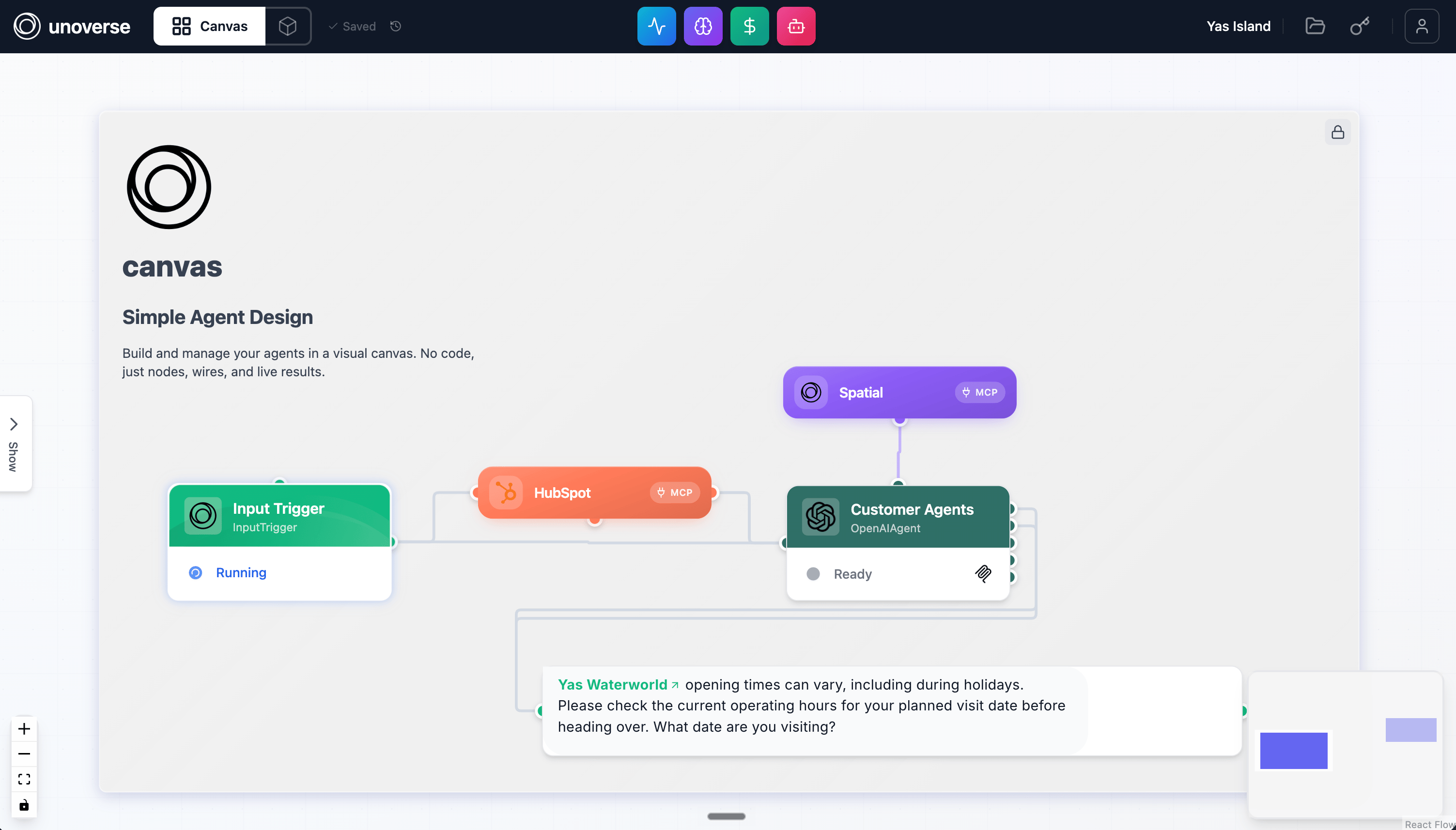
Canvas is where you build, manage, and observe Agents. An Agent is a workflow: a trigger receives the message, nodes reason and act, and results stream back live. Canvas You build a workflow visually and test it as you go. Each node runs on its own, so you can inspect its output before you connect the next one. What you test in Canvas is exactly what runs in production. Once an Agent is live, Canvas shows you what it’s doing: the steps it takes, the tokens it uses, and what it remembers. And Canvas is where you manage credentials, deployments, and every running Agent in one place. Build your first Agent

Studio

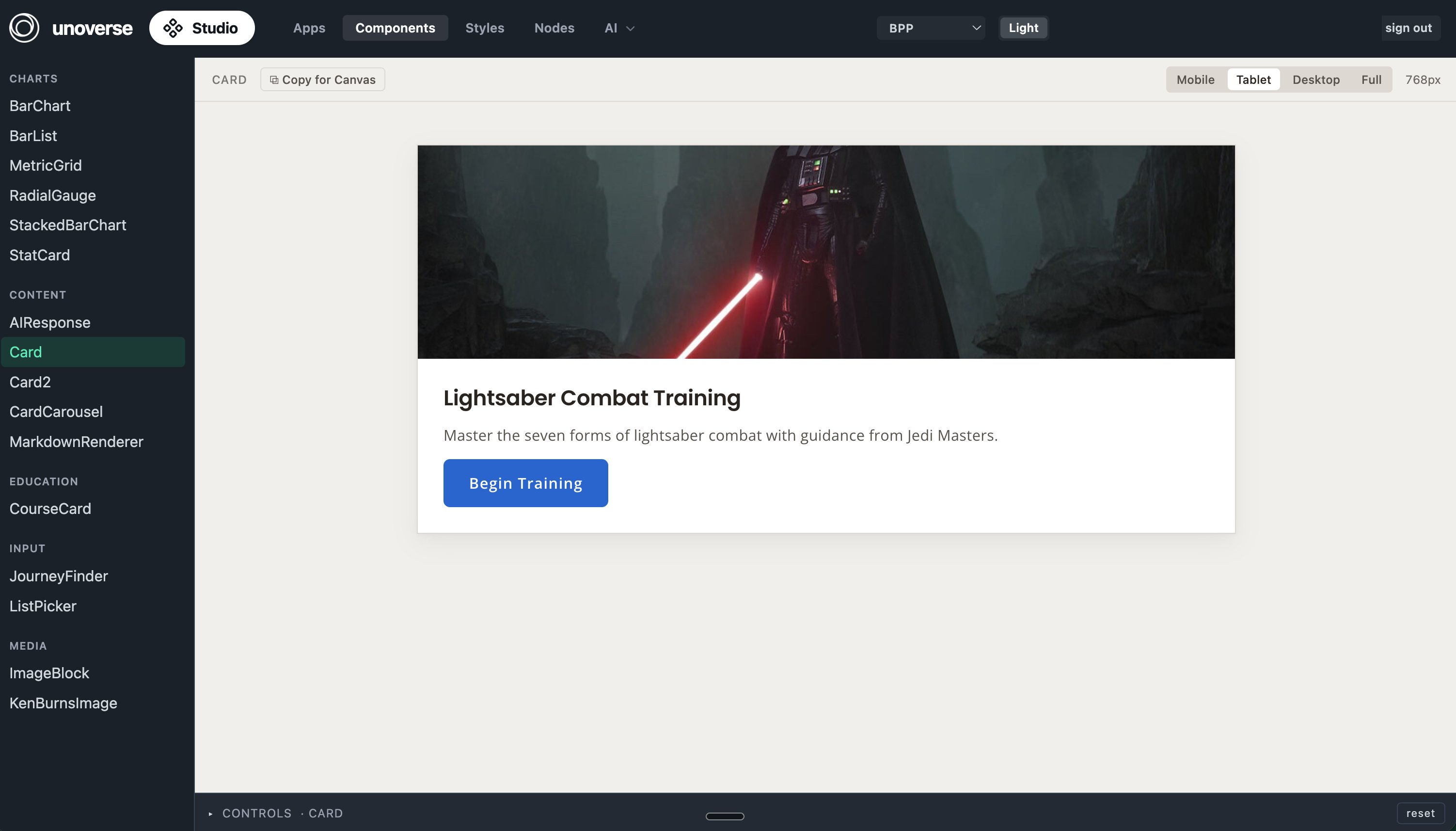
Studio is where you create everything an Agent needs: interfaces, templates, nodes, services, skills, and MCPs. Studio Interfaces are definitions, not code. This approach is called server-driven UI, or SDUI: the platform serves each interface as data, and every client renders it natively. You write a component once and style it with your brand’s design tokens. SDKs for web, native iOS, Android, React Native, and Flutter render the same definition as native UI on each platform. Studio previews everything as you edit, state by state, across screen sizes. Publishing a change requires no app release. Create a component

Spatial

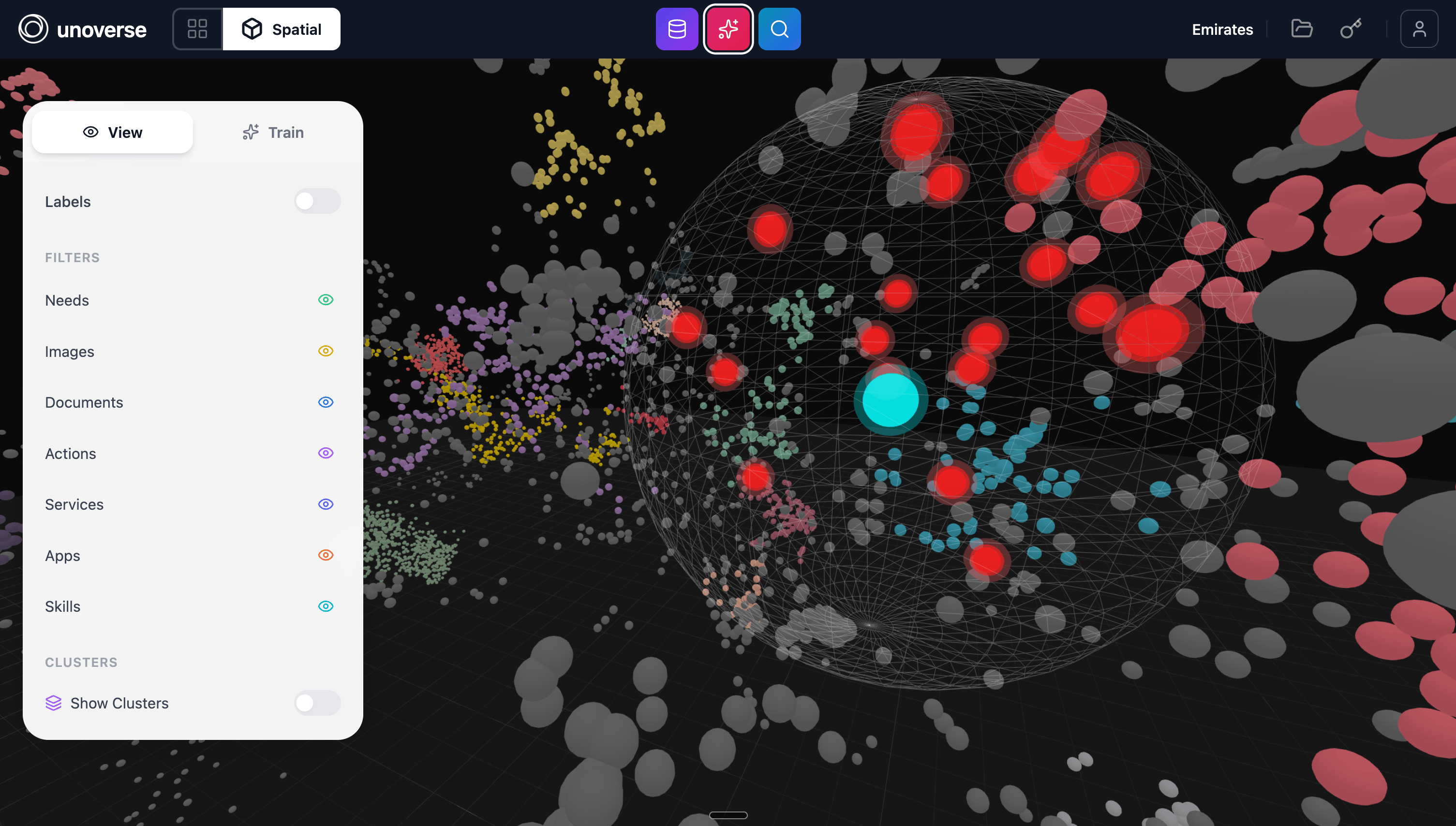
Spatial is a context management system: a new world where every Agent finds exactly what it needs, exactly when it needs it. Spatial Everything an Agent draws on lives here: content, images, skills, tools, and apps, arranged by meaning. An Agent pulls just what the moment requires. Context stays small. Answers stay fast. Every conversation costs less. And you decide what’s in the world, so you decide what your Agents can say and do. Ingest your content
How it works

The customer states what they want, and the brand assembles the answer. A client sends the message over MCP or WebSocket. The engine runs your workflow: nodes call models, query Spatial, and execute your logic, streaming progress as they go. Components render the results in your interface, on whatever platform the conversation is happening. How it fits together is the quick map, and the Architecture section carries the full detail: deployment, networking, data and the security posture.

Documentation