

You ingest through the Content Engine, then train the map. After that, both you and your Agents search the same space.
Before you begin
The platform is running (unoverse start) and canvas is open at http://localhost:3001. You have a content source to ingest; the connector table below lists what each source needs.
Build your space
1
Open Spatial
In canvas, click the spatial button in the header. The 3D space opens; it’s empty until you ingest. Its two neighbors matter in this challenge too: the database icon opens the Content Library, and the magnifier opens Search.
2
Fill the organisation document
Before you ingest anything, the Content Engine needs to know who you are. That is the
organisation document in your project’s identity: what the business does, and the words
it uses for its products and its customers. Fill it and publish the project.Every extraction reads that document first, so every item you ingest is read as yours, not
as generic text. Identity covers the four documents and how your agent
fills them from your own website.3
Choose a data source
Click Import, then Choose Data Source.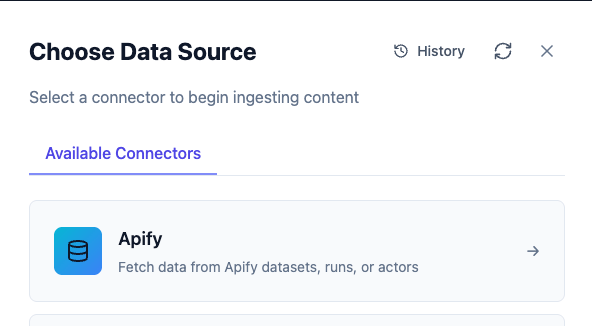
Add the credential first in canvas under Credentials, the same flow as Create Your First Agent.
4
Import
Select your connector, fill in its source fields, and run the import. Watch the item count climb as the Content Engine ingests. Each item is read, understood, and embedded on the way in.
5
Train Spatial
Open the Train tab and click Apply Clustering. Settings are auto-tuned to your data size, so there is nothing to configure.Training builds the map: every item gets a 3D position, and related items land near each other. The panel reports each stage as it runs; expect a few minutes.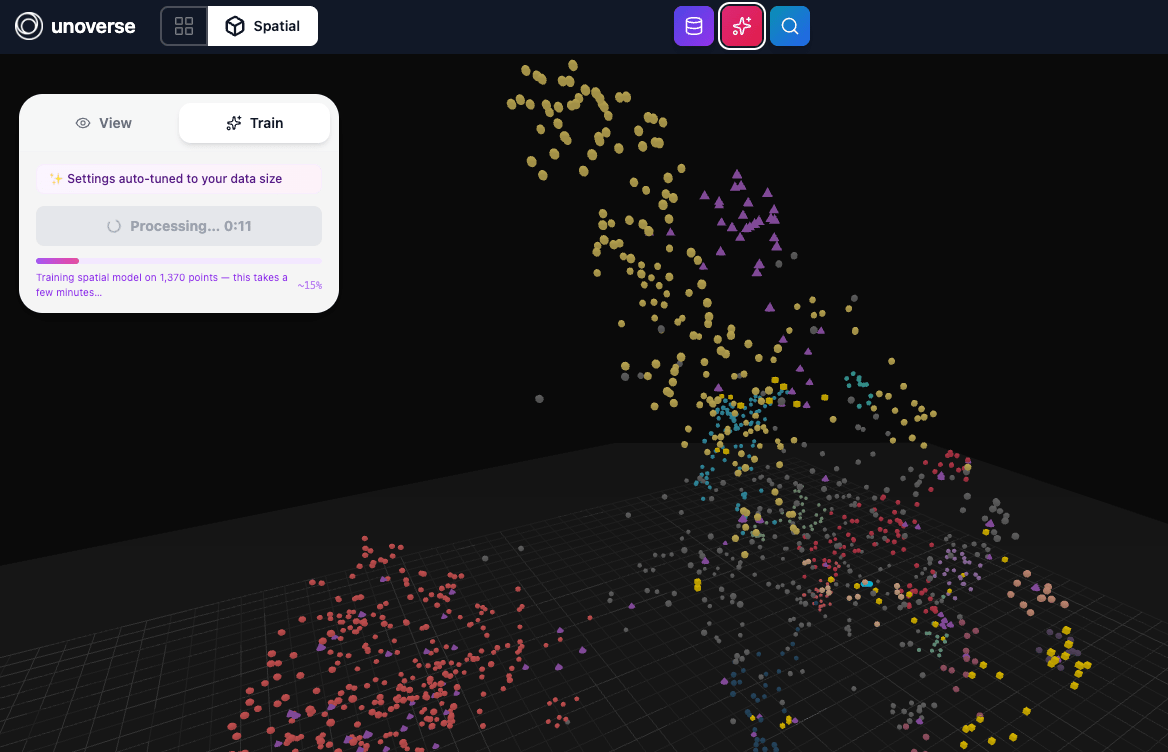
6
Explore
- Points are colored by cluster, and clusters are themes in your content.
- Hover a point to see what it is.
-
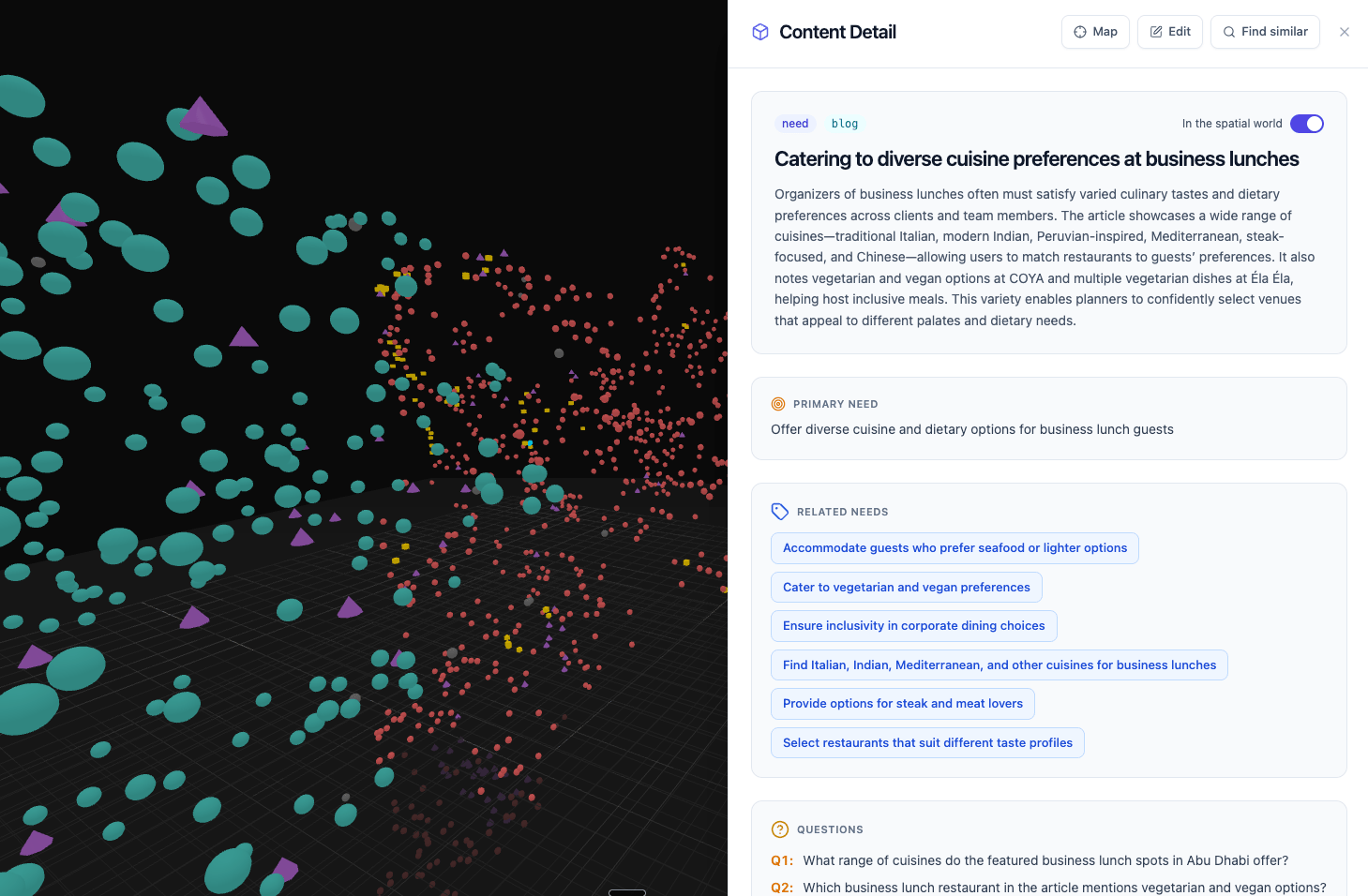
Double-click a point to open the content behind it: what the Content Engine extracted, the related items it connects to, and the questions it can answer.
7
Search it
Open Search in the header. spatial has exactly two searches, and the toggle switches between them. They answer different questions:One query shows the difference. Imagine a travel brand searching family holidays in Mauritius:
Intent
“Tell me about X.”Specific and goal-based. The user names what they want, and Intent finds exactly that, ranked by meaning. Works as soon as content is ingested.
Discovery
“You may also be interested in…”Interest-based. Discovery surfaces similar and related items around a topic: options the user does not yet know exist. Cross-sell and upsell live here. Needs the trained map.
- Intent returns the Mauritius items, ranked by match.
- Discovery stands you in the family-getaway region of the map and lights up what lives there: the kids-club resorts, the waterpark day, the Seychelles alternative, the family excursion, the flight. The things the user didn’t ask for but wants.
How Agents use Spatial
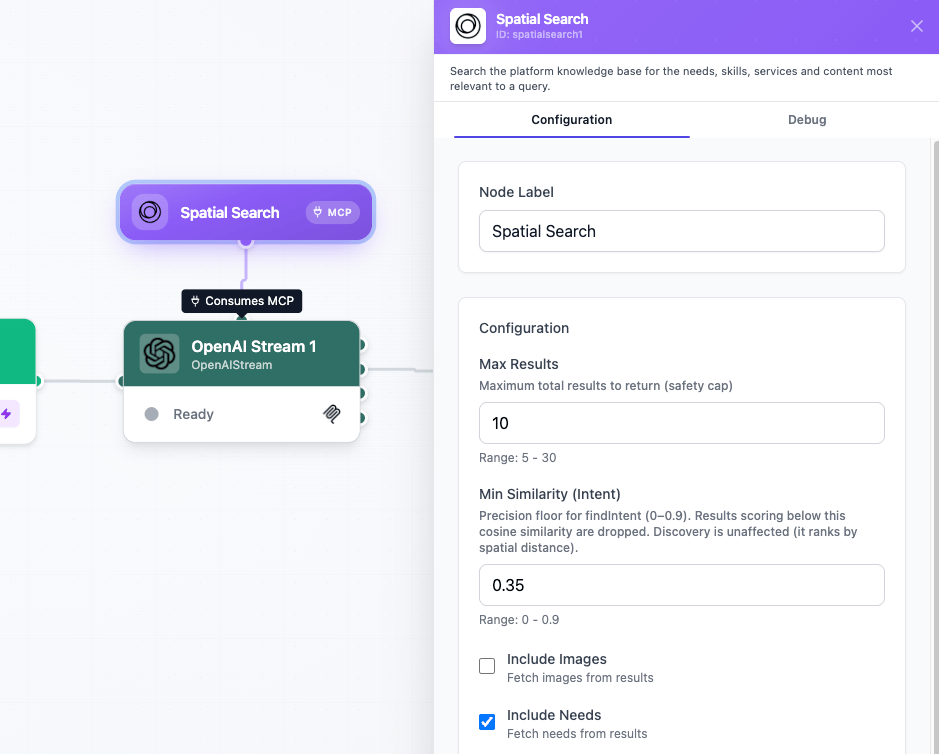
Agents get access to the same two key search options, Intent and Discovery, and choose between them dynamically based on the goal and the task at hand. Spatial Search is an MCP service node: it doesn’t sit in the data flow. Connect it to any agent node with a service edge, and the Agent gains spatial as a set of tools:
The two searches return lean rows, and the three read tools fetch the detail behind one. That
is what keeps context small: the Agent sees everything, and pulls only what it needs.
And it searches in batch. One call can carry up to eight queries at once. Planning a family trip means the hotel, the dinner, the activities, and the flight; the Agent searches all of them in a single round trip, and every result comes back tagged with the query it answers. One call, all the material for an optimal answer.
To wire it up, drag Spatial Search onto your canvas and connect it to your agent node; the edge labels itself Consumes MCP. Double-click the node to open its settings.
Try it end to end
Close the loop with your own site and your Challenge 2 Agent:- Ingest your website. Use the Apify connector with a site crawl of your pages, read through your organisation document.
- Train Spatial, then check a few points: does the extraction read like your business?
- Wire it into your Agent. Open your Create Your First Agent workflow and connect Spatial Search to OpenAI Stream.
- Update the prompts. Tell the model in the System Prompt to search your content and answer from what it finds, not from general knowledge.
- Test the results. Ask a question your website answers, step through, and watch the reply ground itself in your own content. Then ask a broader question and watch Discovery bring in the neighborhood.
Next steps
Create a component
Design the interfaces your Agents speak through.
Deployment
Take your platform to a production server.