

Before you begin
Your universe is running, and you can reach it in a browser.1
Open the Marketplace
Open your universe, choose studio in the header, then the marketplace tile.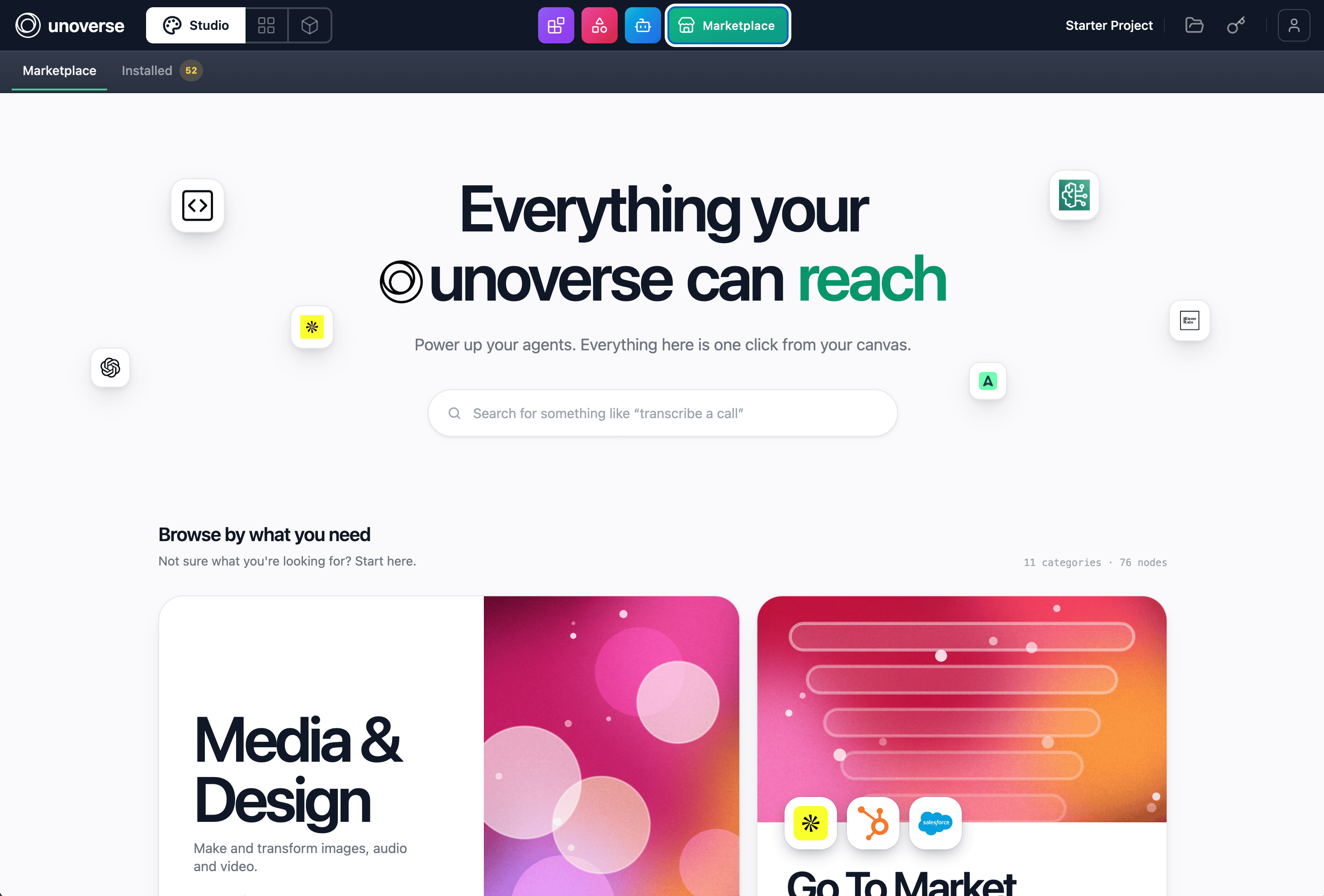
2
Add a package
Open a category. It lists every package in it, expanded to show the nodes each one holds.
Three counts sit above the list: packages, nodes, and how many you have already added.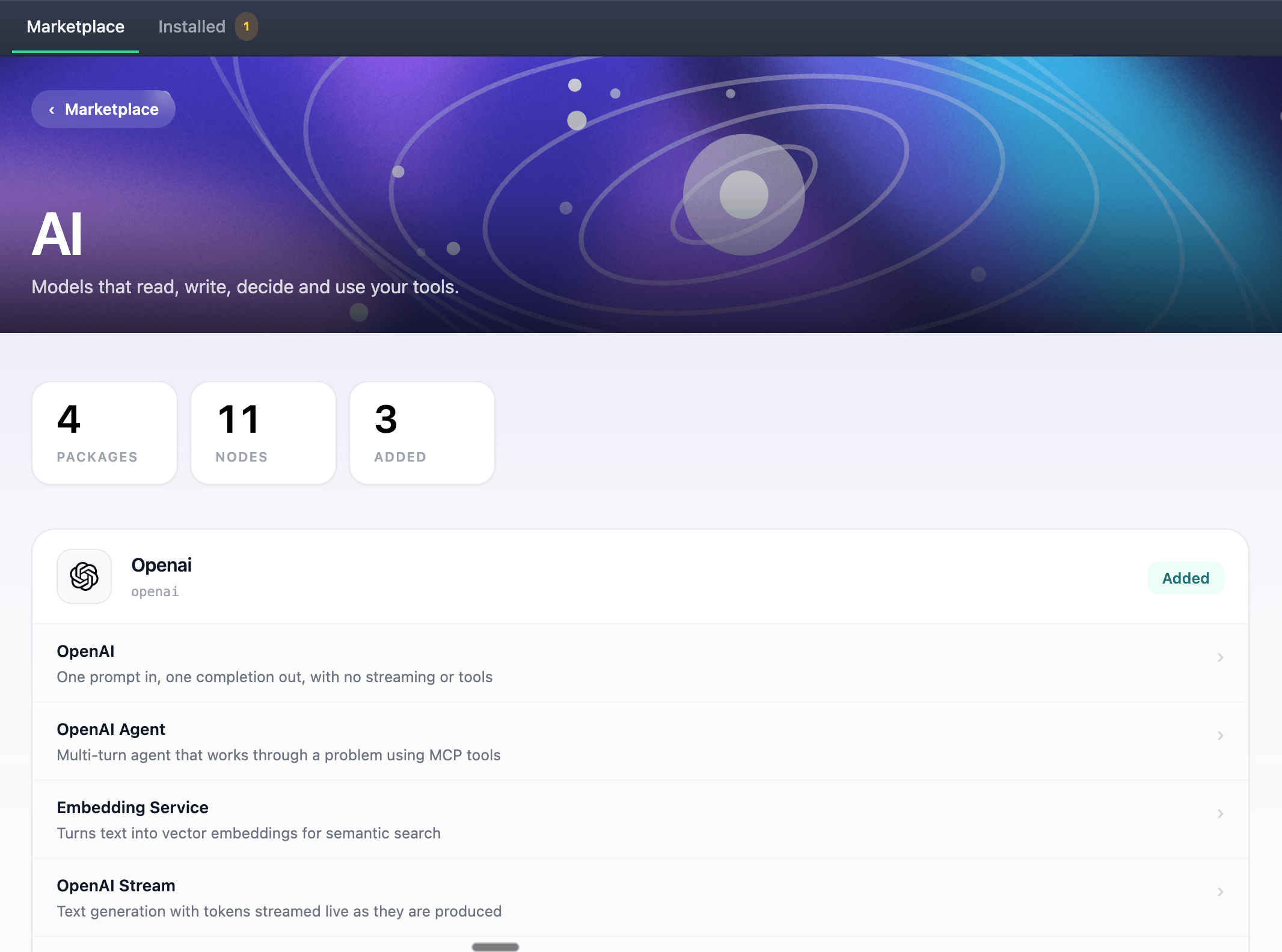

3
Install the design system
The design system is chosen rather than assumed. A new universe has no components, atoms or
styles until you take it. Its card sits in the catalogue grid alongside the node categories.
Click Install.Do this before the components challenge. Without it, there is nothing to render.
4
Add credentials where required
Some nodes talk to external services and name the credential they need. Add it in canvas
under Credentials. The next challenge walks through this for your OpenAI key.
5
Stay current
The Installed tab carries a badge counting the items whose published version has moved on
from the one you hold. Open it and click Update on any of them, or Remove to give one
back. An item reading
on disk is a local definition of your own, which no row can update.Installing writes rows into the database of the universe you are in, so what you install in
one stays there. Production is its own universe with its own database, so install there too.
Nothing rides
unoverse deploy, which moves platform images only.Next steps
Create your first Agent
Wire a trigger, a model, and a response together in canvas, and talk to it.
Create your first node
Need something the marketplace does not have? Build it.